


Many people want to use XRP. But first, they need a wallet. So they ask one easy question: how to create xrp ledger wallet?
Do not worry. The process is simple. You only need a few clear steps. An XRP wallet is not a real bag. It is a digital account on the XRP Ledger. This account can hold XRP coins and send money to others.
Every wallet has two important things. First is a public address. This is like an account number. You can share it to receive XRP. Second is a secret key. This is like a password. You must keep it safe. If someone gets the key, they can take your XRP.
To create a wallet, you make a new address. Then someone sends XRP to it. After that, the wallet becomes active. A small part of XRP stays locked as reserve. This helps keep the network safe.
This guide will teach how to create xrp ledger wallet in very easy words that anyone can understand.
Key Points
- An XRP wallet starts when XRP is sent to a new address.
- The secret key must always stay private.
- A small XRP reserve stays locked in the wallet.
What Is An XRP Ledger Wallet And How Does It Work
An XRP Ledger wallet is a digital account. It lives on the blockchain network. It is not stored inside your phone. Your phone only shows the wallet.
The wallet keeps a record of:
- Your XRP balance
- Your past transactions
- Your public address
The blockchain saves this data forever. No bank controls it. You are the real owner.
The most important part is the secret key. This key proves the wallet is yours. Without the key, you cannot send XRP. If the key is lost, the XRP is also lost.
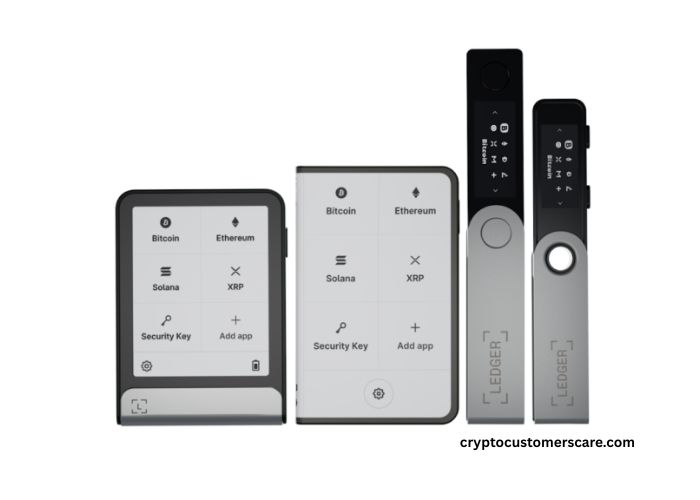
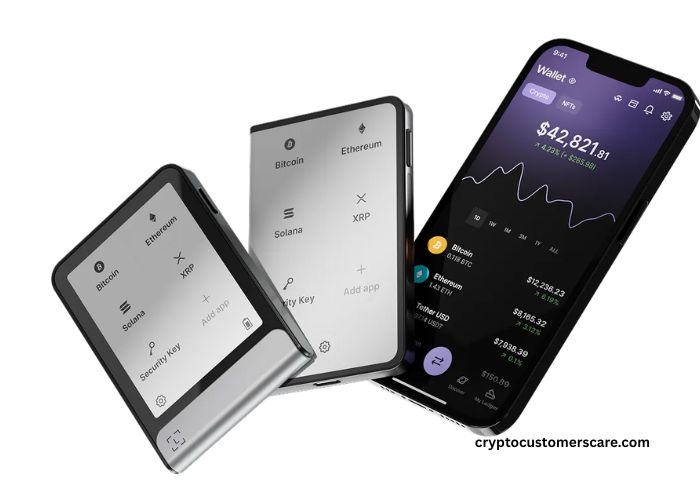
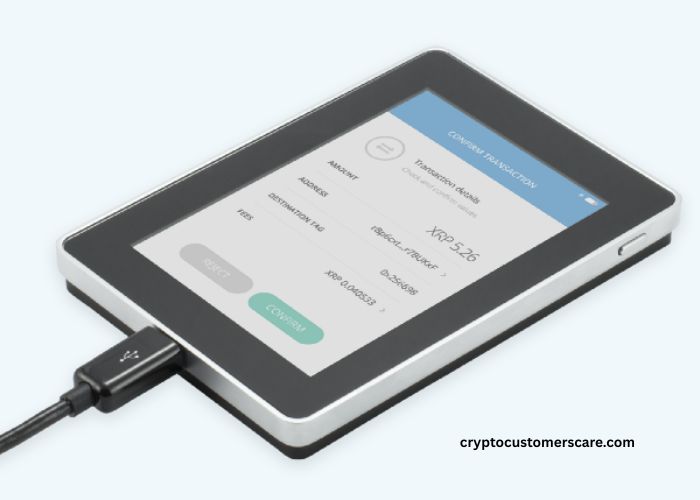
Some wallets add more safety. For example, a hardware wallet keeps keys offline. This makes hacking very hard.
Think of the XRP wallet like a piggy bank. The blockchain is the place where the piggy bank lives. Your key is the only way to open it.
Learning this helps you understand how to create xrp ledger wallet in the right way.
Note: Never share your secret key with anyone. Real support will never ask for it.
Easy Steps To Create XRP Ledger Wallet
Creating an XRP wallet is simple. Just follow these small steps.
Step 1: Create a new wallet address
You can use a trusted wallet app or hardware device. The app makes a public address and secret key.
Step 2: Save the secret key safely
Write your secret key on paper. Try to keep your secret key in a safe place. Do not store it online.
Step 3: Send XRP to the new address
When XRP arrives, your wallet becomes active. Before this, it is empty and inactive.
Step 4: Keep the reserve amount
A small part of XRP stays locked. You cannot spend this part. It protects the network from spam.
Wallet Creation Steps Table
| Step | What You Do | What Happens |
| 1 | Make new address | Wallet identity ready |
| 2 | Save secret key | Wallet becomes safe |
| 3 | Receive XRP | Account becomes active |
| 4 | Keep reserve | Wallet stays on network |
After these steps, your wallet is ready. Now you can send, receive, and store XRP.
This is the full answer to how to create xrp ledger wallet in simple form.
XRP Reserve, Keys, And Safety Rules
Safety is the most important thing in crypto. XRP wallets follow clear safety rules.
The secret key controls everything. Whoever has the key owns the XRP. There is no reset button. So you must protect it carefully.
The public address is safe to share. People need it to send XRP to you. Sharing the address does not risk your money.
The reserve XRP is also important. Each wallet must keep a small locked balance. This stops fake accounts from filling the network. It keeps the system clean and fast.
Safety Feature Table
| Item | Meaning | Why Important |
| Secret key | Wallet control | Must stay private |
| Public address | Receive XRP | Safe to share |
| Reserve XRP | Locked balance | Protects network |
Many users choose hardware wallets for extra safety. These devices keep keys offline all the time.
Reminder: If any website asks for your secret key, it is a scam.
Knowing these rules helps you safely learn how to create xrp ledger wallet without danger.
Best Wallet Types For XRP Ledger Users
There are different wallet types for XRP. Each type has good and bad sides.
Mobile wallets are easy to use. They are good for beginners and small amounts. Desktop wallets give more control. They are useful for regular users.
Hardware wallets are the safest choice. They keep keys offline. Hackers cannot reach them from the internet. Many long-term investors use this type.
Wallet Type Comparison
| Wallet Type | Ease Of Use | Safety Level | Best For |
| Mobile | Very easy | Medium | Beginners |
| Desktop | Easy | Medium | Regular users |
| Hardware | Simple | Very high | Long-term storage |
No matter which wallet you choose, the creation process is still the same. You must generate keys and receive XRP first.
So the method of how to create xrp ledger wallet does not change between wallet types.
Conclusion
Now the idea is very clear. How to create xrp ledger wallet is simple. You create a new address. You save the secret key safely. You receive XRP to activate the wallet. You keep a small reserve locked inside.
After this, your wallet is ready to use. You can send money, receive XRP, and store value. Always remember one rule. Safety depend on protecting your secret key. If you follow safe steps, an XRP wallet is easy and secure for beginners.
FAQ’s
- What is an XRP wallet?
It is a digital account that holds XRP. - How do I create an XRP wallet?
Make an address and receive XRP. - Do I need minimum XRP?
Yes, a small reserve must stay locked. - Can I lose my XRP?
Yes, if you lose the secret key. - Is the public address safe to share?
Yes, it is safe for receiving XRP. - Are hardware wallets safer?
Yes, because keys stay offline. - Can I have many XRP wallets?
Yes, you can create many addresses. - Is creating an XRP wallet free?
You must deposit XRP to activate it. - Can beginners use XRP wallets?
Yes, they are simple to use. - Is XRP wallet safe?
Yes, if you protect your secret key.