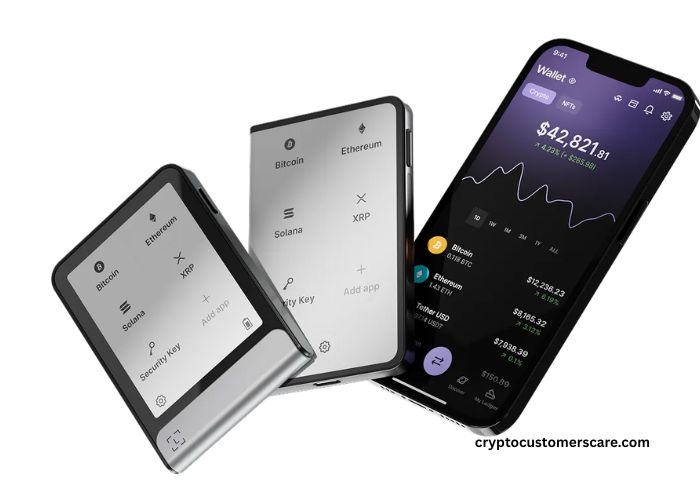



What Is a Ledger Wallet & How to Use is a very common question in crypto learning time. Many beginners feel confuse when hearing words like wallet, key, and security. A Ledger wallet is a small physical device that keeps crypto safe in offline way. Offline means internet is not touching the private keys directly. This simple idea make big safety difference.
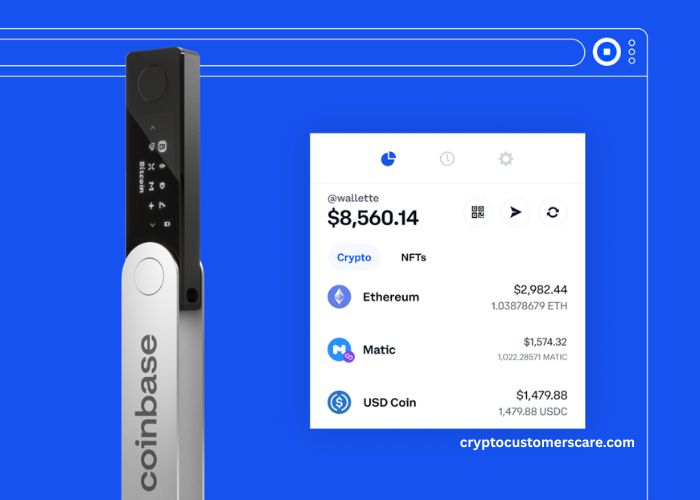
Ledger wallet works with Ledger Live app which helps see balance and send coins. Device look like USB and easy to carry. Safety is main focus here, not speed or fancy design. Learning basic safety early helps avoid big loss later. This article explain slowly what Ledger wallet is and how to use it without fear or confusion.
Key Points:
Ledger wallet store private keys offline safely.
Ledger Live app help manage crypto easily.
Hardware wallet reduce online hack risk a lot.
What Is A Ledger Wallet And Why It Is Safe
A Ledger wallet is a hardware wallet which mean it is a physical device. This device store private keys offline inside a secure chip. Private keys are secret codes that control crypto coins. When keys are offline, hackers cannot reach them from internet. This is main reason why Ledger is safe.
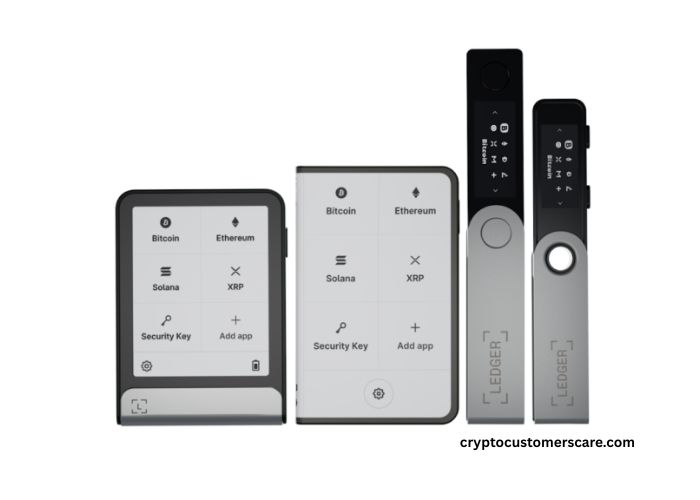
Ledger wallets like Nano S Plus and Nano X are popular choices. They look small but security inside is strong. Device need PIN code to open, so if lost, coins still protected. After wrong PIN tries, device reset itself. This sound scary but it saves crypto from thief hands. Ledger wallet does not show private keys on computer screen.
Keys stay hidden inside device always. Even virus computer cannot steal keys. Many security experts trust hardware wallets because of this design. Safety is built from start, not added later. This is why Ledger wallet is called cold storage device.
| Feature | Ledger Wallet |
| Key Storage | Offline |
| Internet Risk | Very Low |
| Physical Security | High |
How Ledger Wallet Keeps Crypto Offline
Ledger wallet keep crypto offline by using secure element chip. This chip is the same type used in bank cards and passports. It is made to protect secret data. When transaction is made, Ledger signs it inside device. Signed data go out, but key never leave device. This process protects keys from online world. Device connect to computer only for short time. Connection does not mean keys go online.
Many beginners think connecting USB makes the wallet hot, but that is wrong idea. Keys still stay offline inside chip. Physical button press is needed to confirm action. This stop remote attacks fully. Hackers can not press button from far away places. Ledger also supports many coins so one device manages many assets. Offline protection is heart of Ledger design. This is why long term holders like it so much.
Note: Never store recovery phrase in phone or email.
How To Use Ledger Wallet Step By Step
Using Ledger wallet is simple even for beginners. First step is turning on device and setting PIN code. PIN keep device locked from others. After that, recovery phrase appear on screen. This phrase must be written on paper carefully. Paper should be kept safe and offline. Next step is installing Ledger Live app on computer or mobile. App help manage coins and updates. Device connect with app when needed. To receive crypto, address is shown in app and confirmed on device.
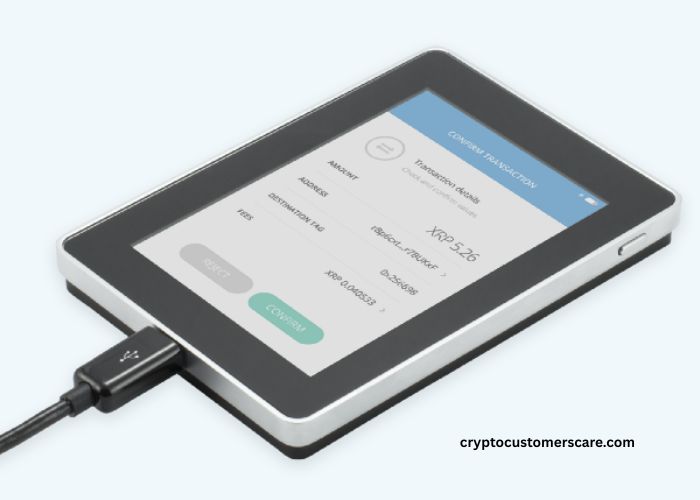
To send crypto, the amount and address are checked on device screen. Button press confirm transaction. This physical step adds extra safety. Ledger Live also shows balance and history. Everything is guided step by step. Mistakes are hard to make if instructions followed slowly. Beginners feel nervous first time, but practice makes it easy. Simple steps and clear screen help users a lot.
Ledger Wallet Vs Software Wallet Comparison
Ledger wallet and software wallet are very different in safety level. Software wallets store keys on phone or computer. These devices are always online, so risk is higher. Virus, malware, and phishing attacks target software wallets more. Ledger wallet keep keys offline so attacks fail mostly.
Software wallets are easy but safety trade off is there. Ledger wallet take little more time but safety is stronger. For long term storage, hardware wallet is better choice. Many users use both, software for small amounts and Ledger for big amounts.
| Wallet Type | Security | Best Use |
| Software Wallet | Medium | Daily use |
| Ledger Wallet | High | Long term |
Reminder: Use Ledger wallet for storing large crypto amounts.
Is Ledger Wallet Good For Beginners And Long Term
Ledger wallet is good for beginners because steps are guided and clear. Ledger Live app explain everything slowly. Device design is simple and buttons are easy. Beginners learn crypto safety early with hardware wallet.
Long term holders also like Ledger because keys stay offline for years. Updates keep devices secure. Ledger support many coins so future use is easy. Community support and guides are available online. Using Ledger teaches good habit of security.
Conclusion
Ledger wallet is hardware device that keep crypto private key offline. Offline storage protects coins from online hacks and scams. Ledger uses secure chip, PIN, and physical confirmation to add strong safety. Ledger Live app makes managing crypto easy and clear.
Beginners can use it without deep technical knowledge. Long term holders trust it for years. Safety is most important part of crypto world.
FAQ’s
What Is A Ledger Wallet Used For
Ledger wallet is used for storing crypto safely offline and managing coins using Ledger Live app.
Is Ledger Wallet Completely Offline
Private keys stay offline always, but device connect shortly for transactions only.
Can Ledger Wallet Be Hacked
Online hacking is very hard because keys are not exposed to internet.
Is Ledger Wallet Hard To Use
Ledger wallet is beginner friendly and steps are guided clearly in app.
What Happens If Ledger Wallet Is Lost
Crypto can be recovered using recovery phrase if it is stored safely offline.